
 Get the app
Identify any mobile IC code in seconds
Scan or type a chip code and get its RAM, storage and company instantly — fully offline, in 5 languages. Built for repair technicians and scrap dealers.
 Get it on Google Play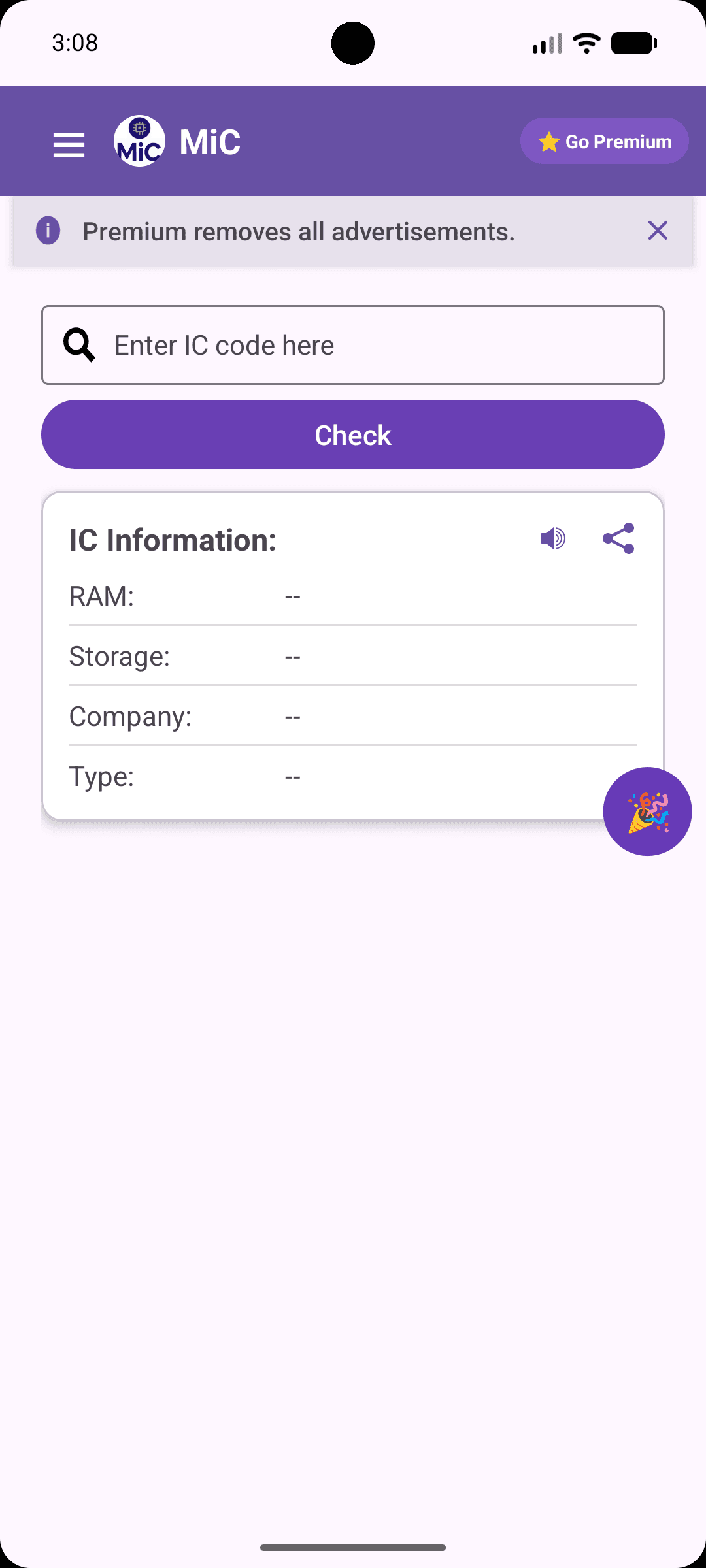
Built for the workshop floor, not a lab
Every feature exists because a real technician or scrap-dealer asked for it — no bloat, no logins, no learning curve.
Fully offline detection
No internet needed. Every code is matched against a database built into the app, so you get results even in a basement workshop with zero signal.
5-language support
English, Urdu, Hindi, Filipino and Arabic — built in from day one. No other IC checker on the market offers this.
Share result as image
Turn any lookup into a clean, shareable image in one tap — perfect for sending storage/company details to a customer or supplier on WhatsApp.
Voice output
Results are read aloud, so you can keep both hands on the board while you work and still hear the storage and company confirmed.
Online fallback for rare codes
If a code isn't in the offline database, MIC checks an online catalogue as a backup — so even uncommon or new chips get resolved.
From IC code to storage in three steps
Read the code
Find the part number printed on the phone's memory IC — the small chip soldered on the motherboard.
Type it in
Enter the code in MIC's search bar. No signup, no camera setup — just type and go, even offline.
Get the storage
Instantly see RAM, storage capacity, company and chip type — ready to quote a price or confirm a repair.
Supports ICs from the brands you work with
Built around how you actually work
Repair technicians
Confirm a board's storage before you quote or commit to a repair.
Scrap dealers
Price boards accurately by knowing exact chip capacity, not a guess.
Wholesale board buyers
Verify bulk-lot specs fast, without opening every single unit.
Mobile shop owners
Give customers accurate storage info on the spot, in their own language.
Frequently asked questions
It's an app for phone repair technicians and scrap dealers that identifies a phone's memory chip (IC) code and tells you its RAM, storage capacity, company and type — instantly, without opening a datasheet.
How Mobile IC Checker identifies phone memory
Every smartphone motherboard carries a memory chip printed with its own part number. Mobile IC Checker reads that number and matches it against a manufacturer-specific database to tell you the exact storage capacity, RAM and company — the same information a technician would otherwise need a datasheet to confirm.
These guides go deeper into how different manufacturers structure their part numbers, so you can sanity-check a result even without the app — and they'll be available in Urdu and Hindi soon, since that's where most of our users work.
How to read a mobile memory IC code
Where the code sits on the chip, how to tell a real part number from a batch code, and common misreads to avoid.
Read guideSamsung eMMC and UFS IC code guide
How Samsung's memory part numbers are structured, and what each segment tells you about capacity and type.
Read guideSK hynix mobile memory IC code guide
A breakdown of SK hynix's numbering pattern across eMMC, UFS and LPDDR chips.
Read guideMicron mobile IC code guide
Reading Micron's part numbers on phone boards, including common storage-tier prefixes.
Read guide